See Your Tattoo Before the Needle.
Upload a photo of your arm, leg, back or chest, describe the design, and watch it appear on your own skin in seconds. Get 3 free previews when you sign up.
- 3 Free Previews
- Google 1-Click Login
- 8 Tattoo Styles
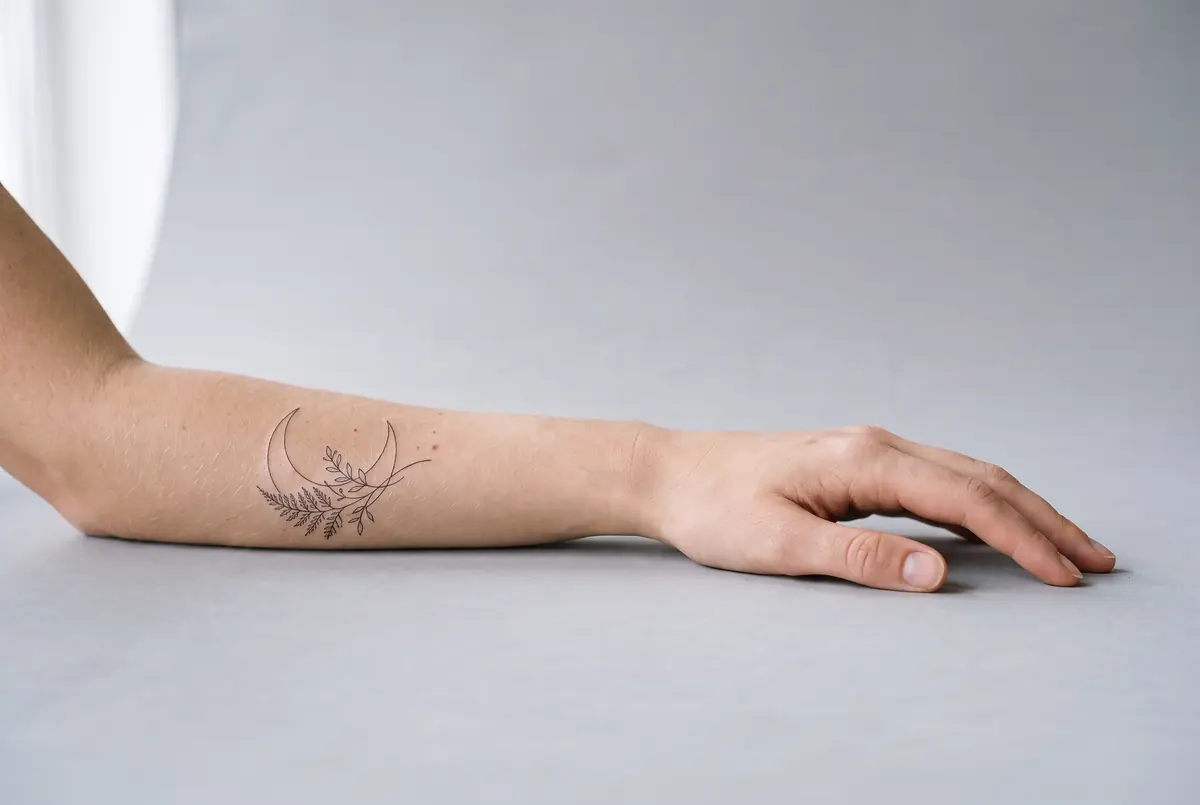
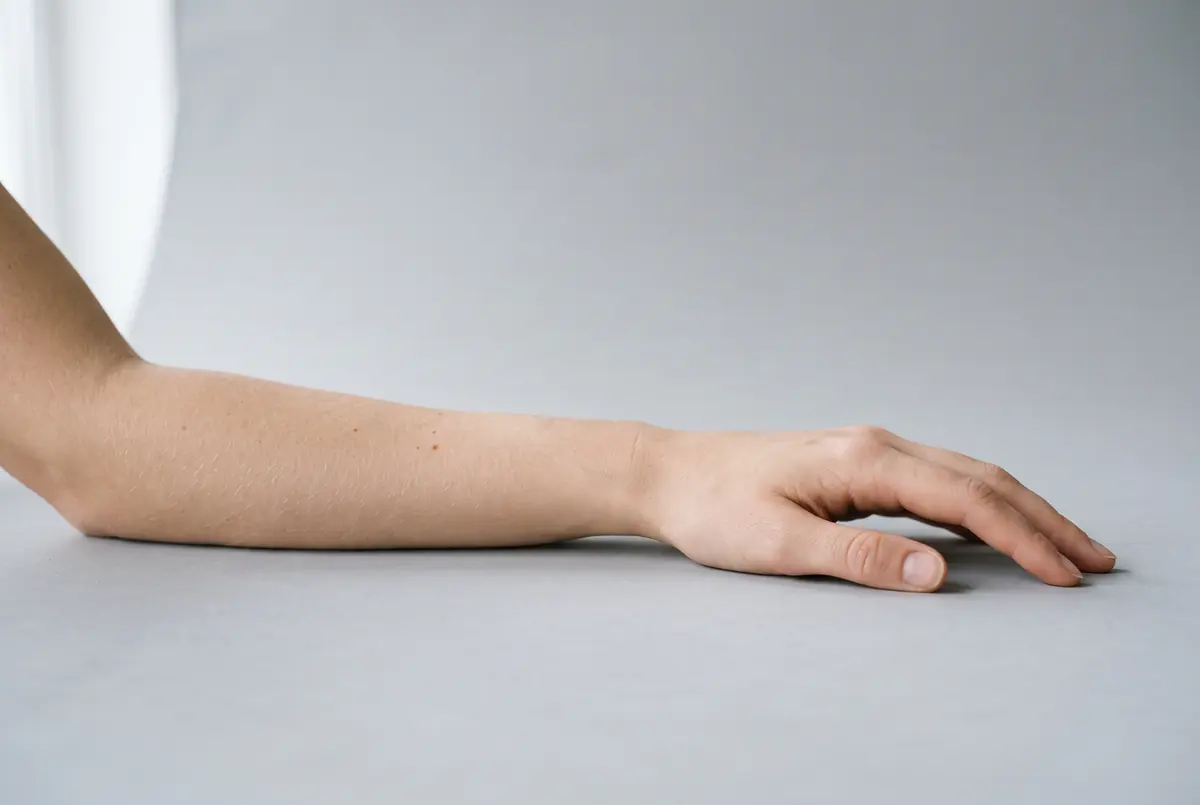
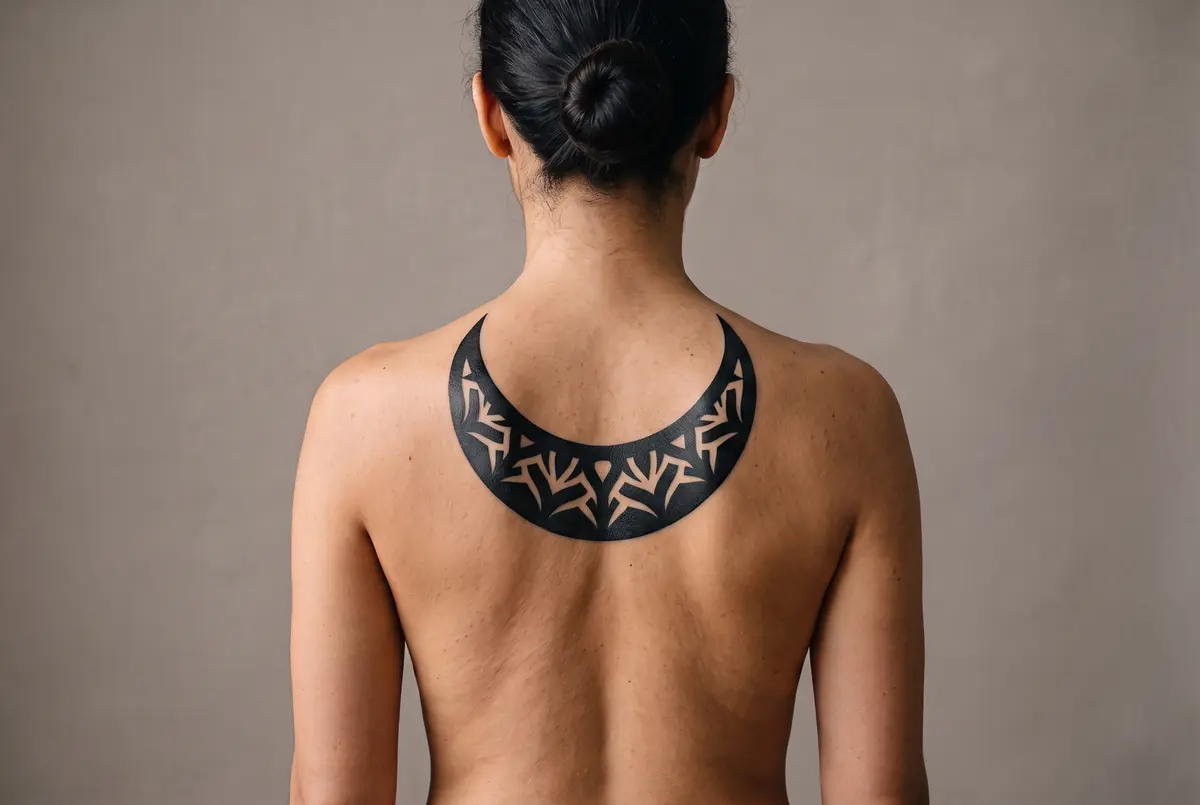
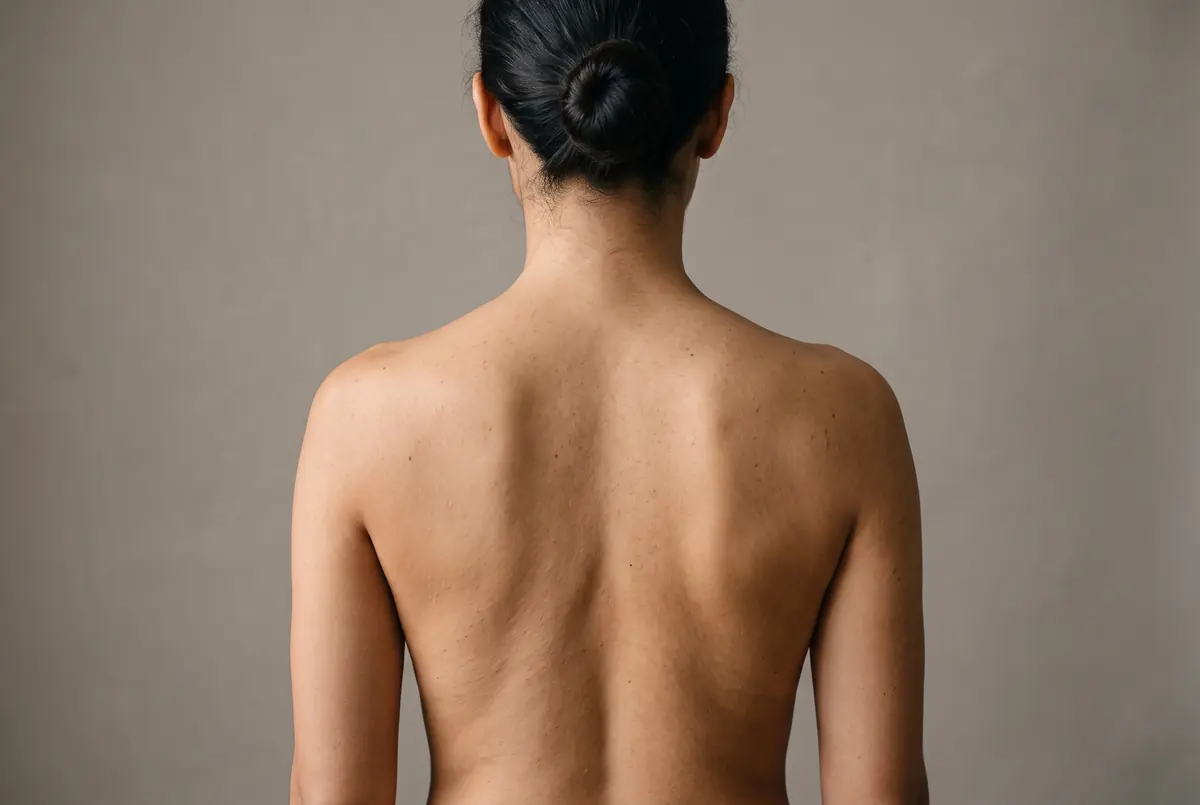
Tattoo Studio
Try It On Your Own Photo
Pick a style below, add your design, and drop in a photo of the spot you have in mind. Your first three previews are free.
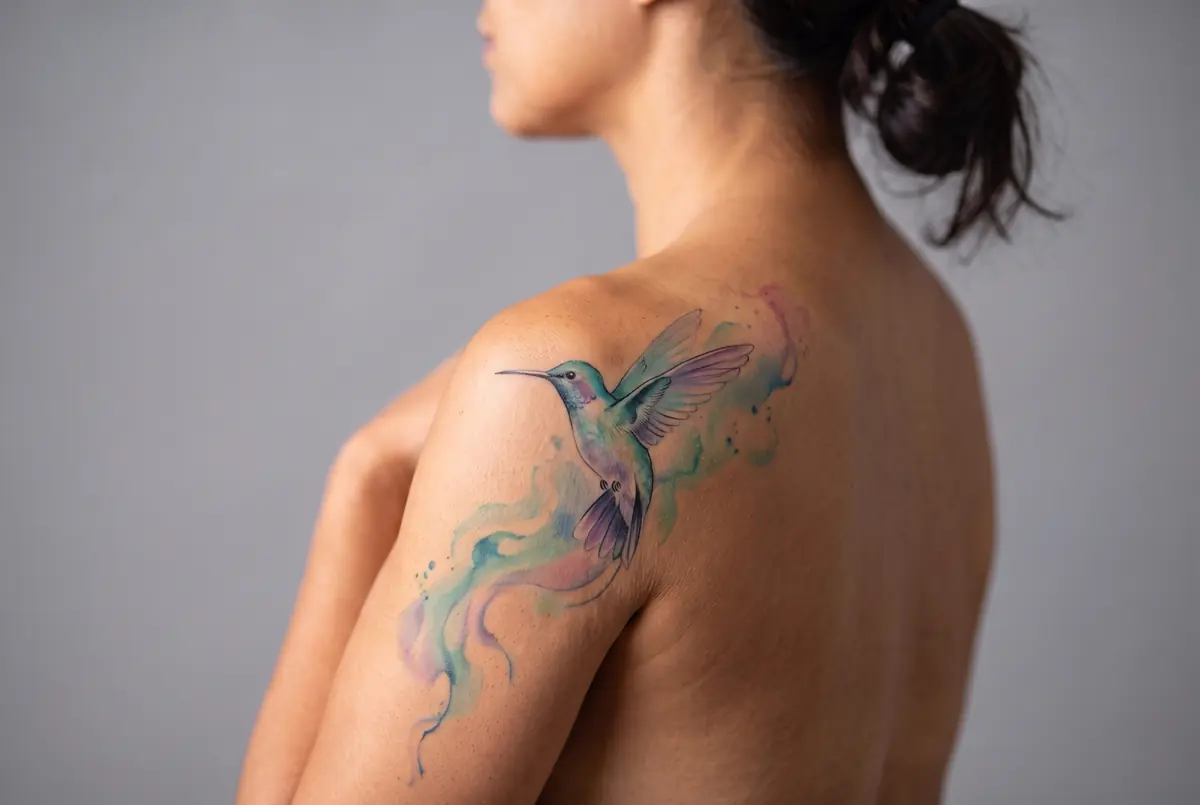
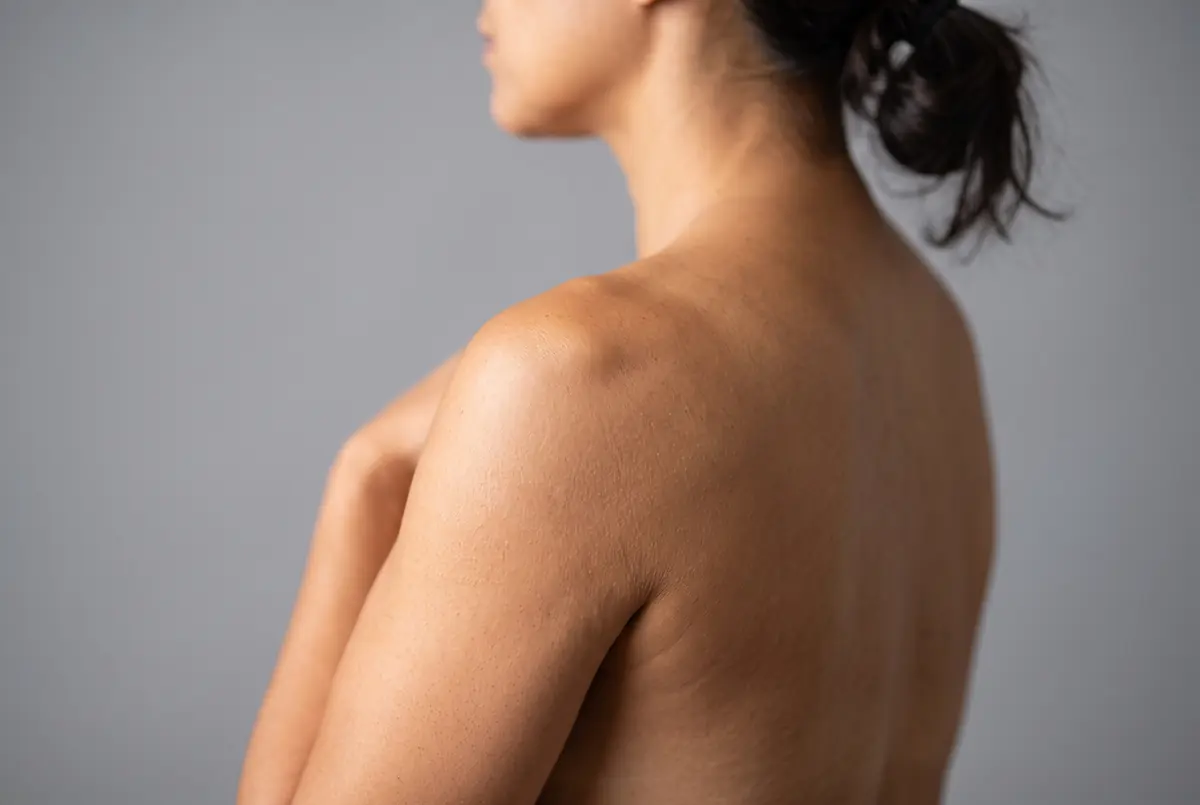
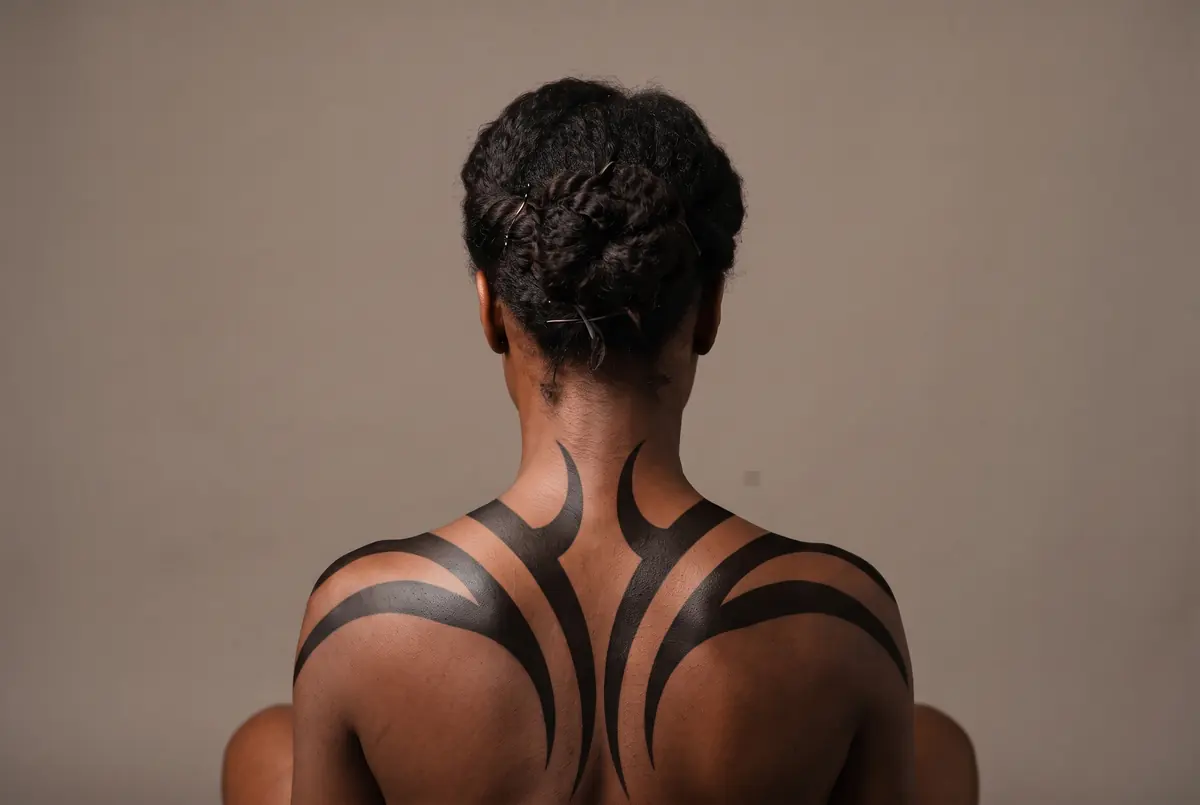
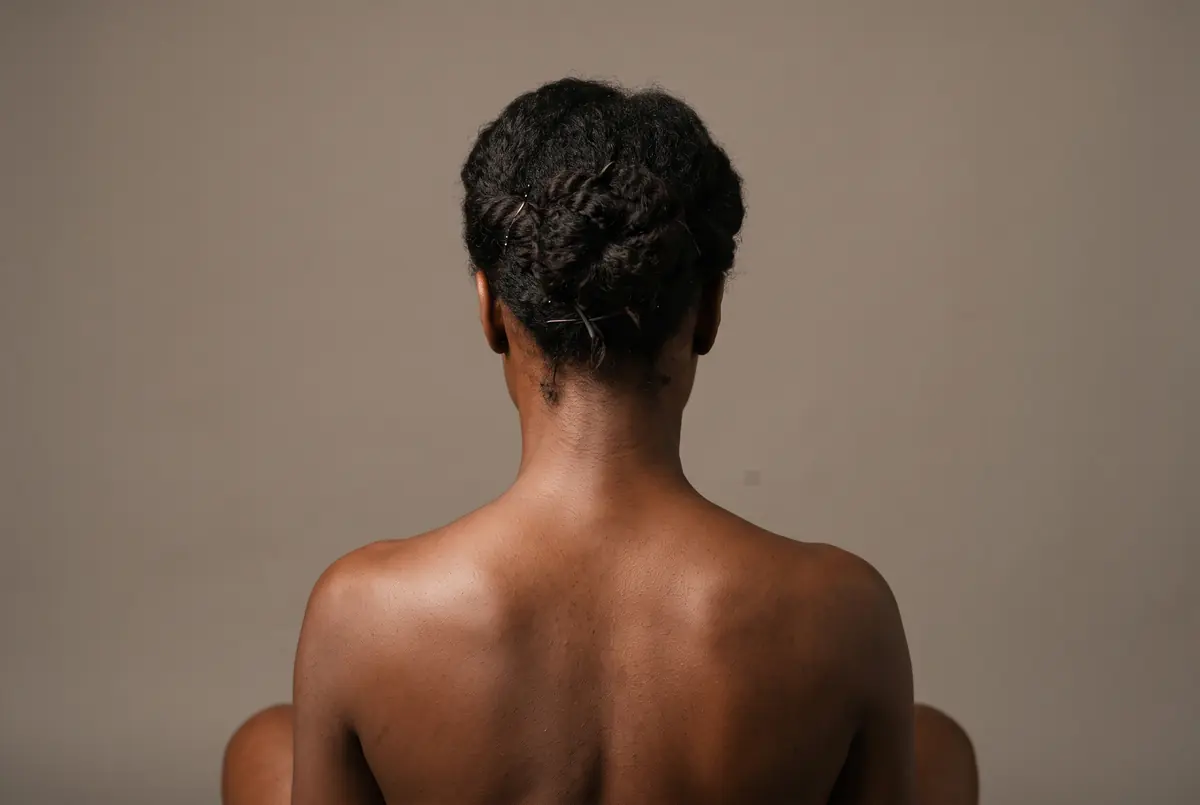
Real previews from this tool. Yours appears here.
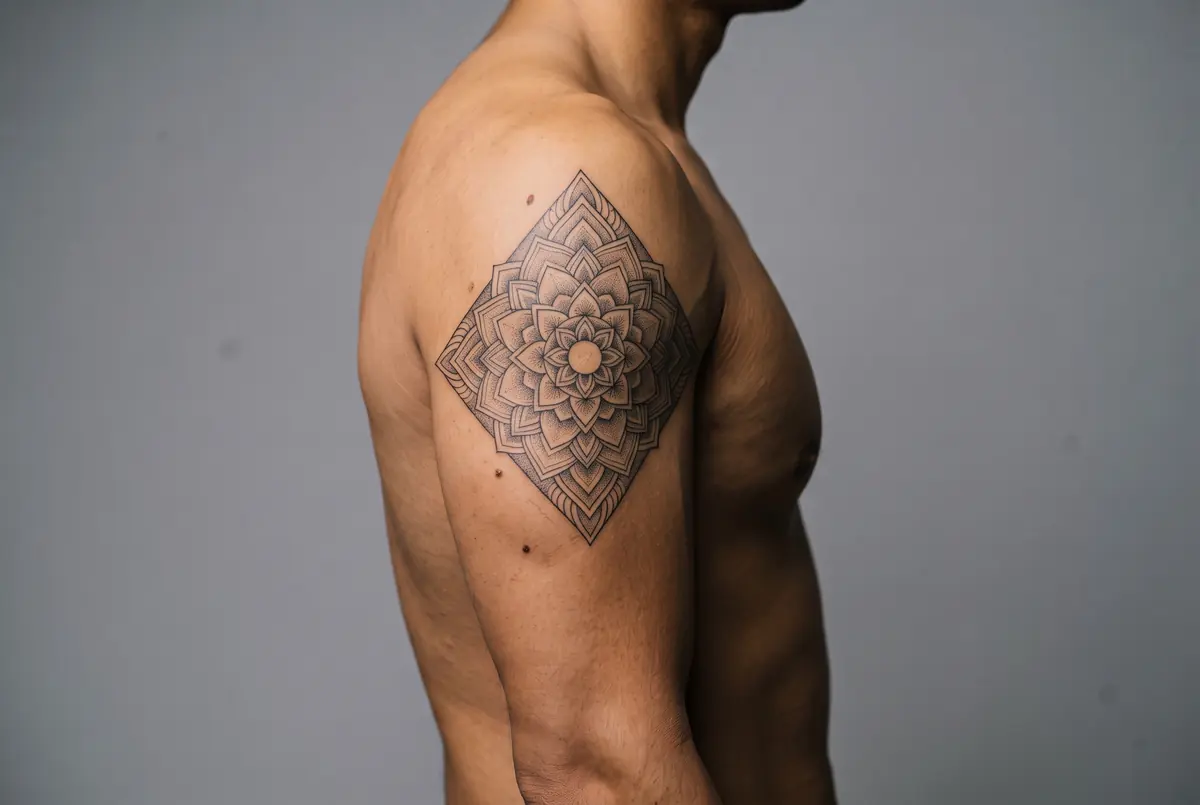
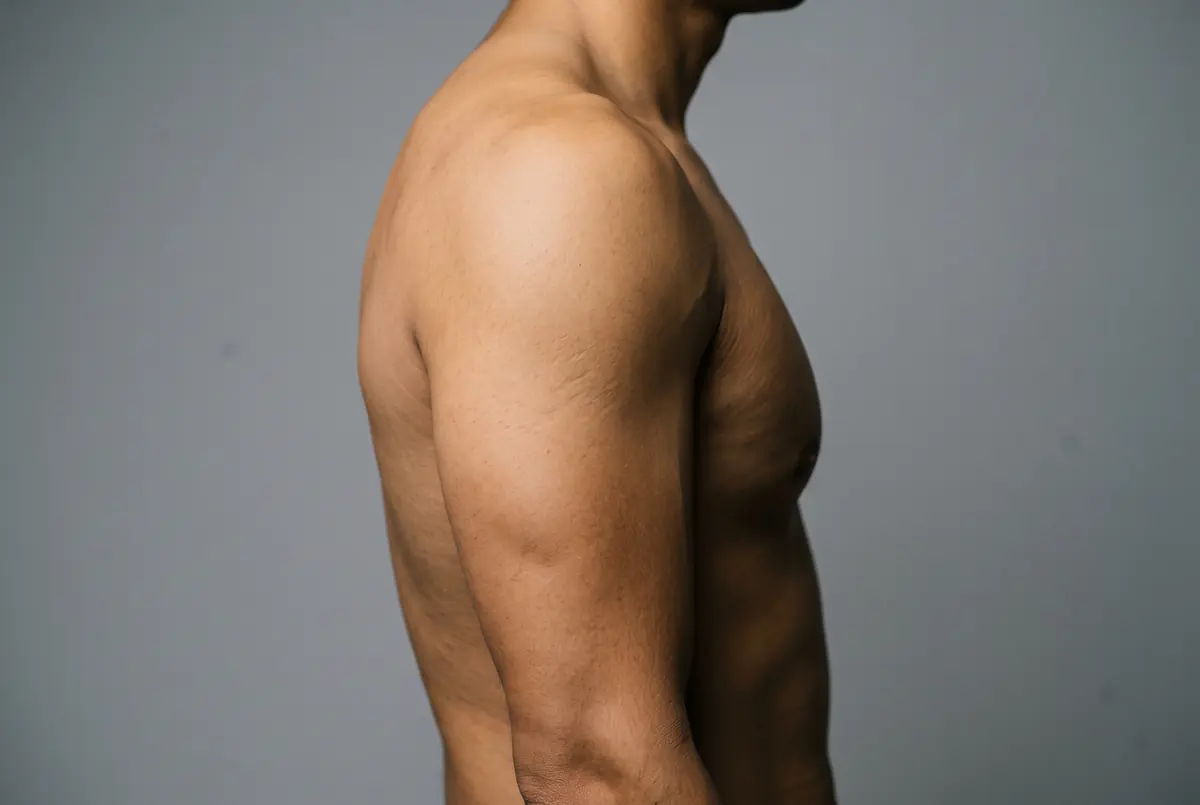
Skin tone
Placement
2K and 4K are available on paid plans. Upgrade to unlock →
Upload Your Photo
Bare skin, good light, held still
PNG, JPG and WEBP, up to 10 MB
A preview only. Take it to a real artist before you commit.
Generation History
How It Works
From Bare Skin to Real Ink in Three Steps
No stencil, no consultation and no deposit. Three quick steps and you can see it on yourself.
01
Photograph the bare skin
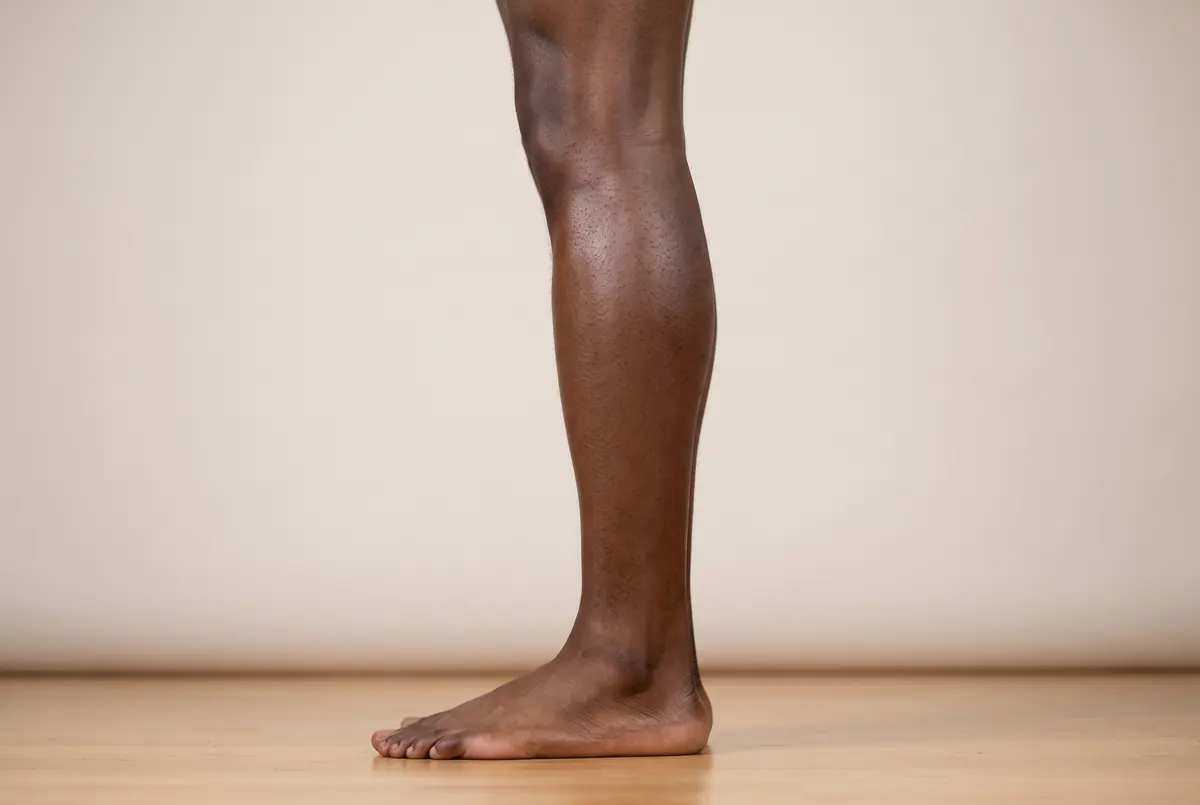
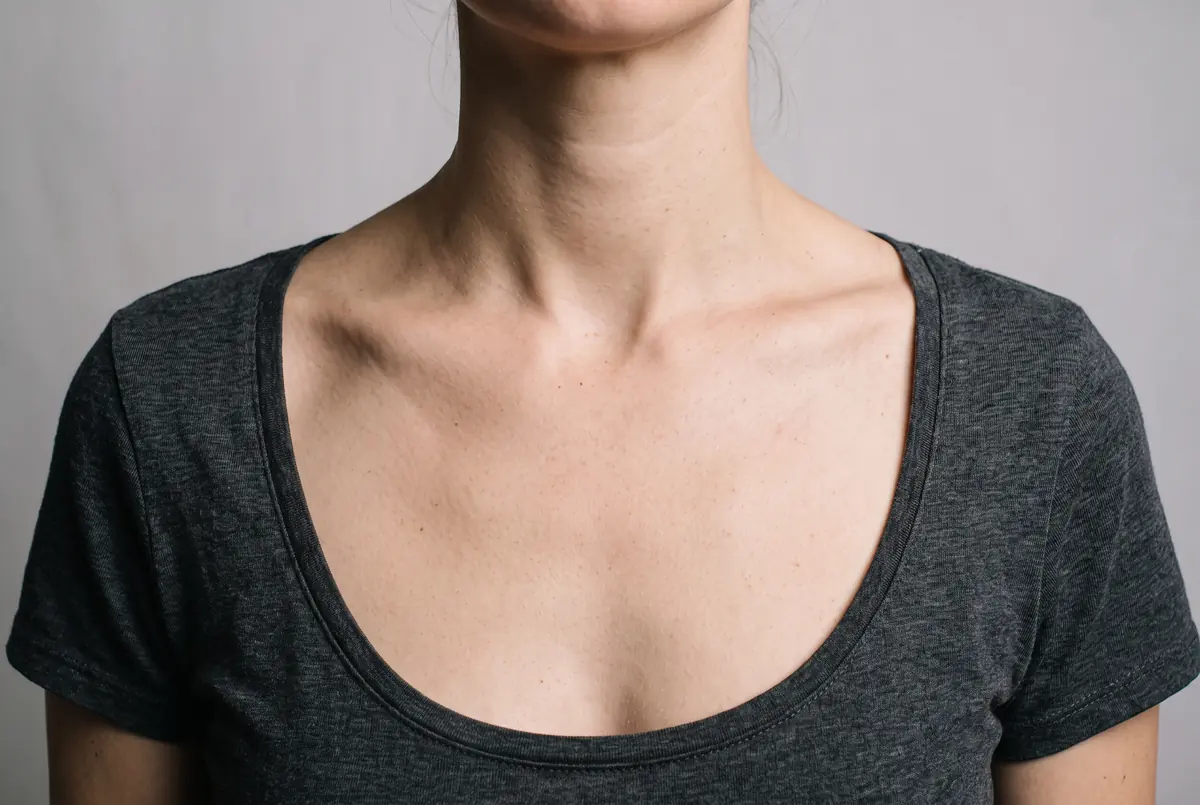
Take a clear, well-lit photo of the bare skin where you want the tattoo.
02
Describe the design, or upload one
Type the design you have in mind, or upload a reference, then pick a style.
03
Drag the slider to compare
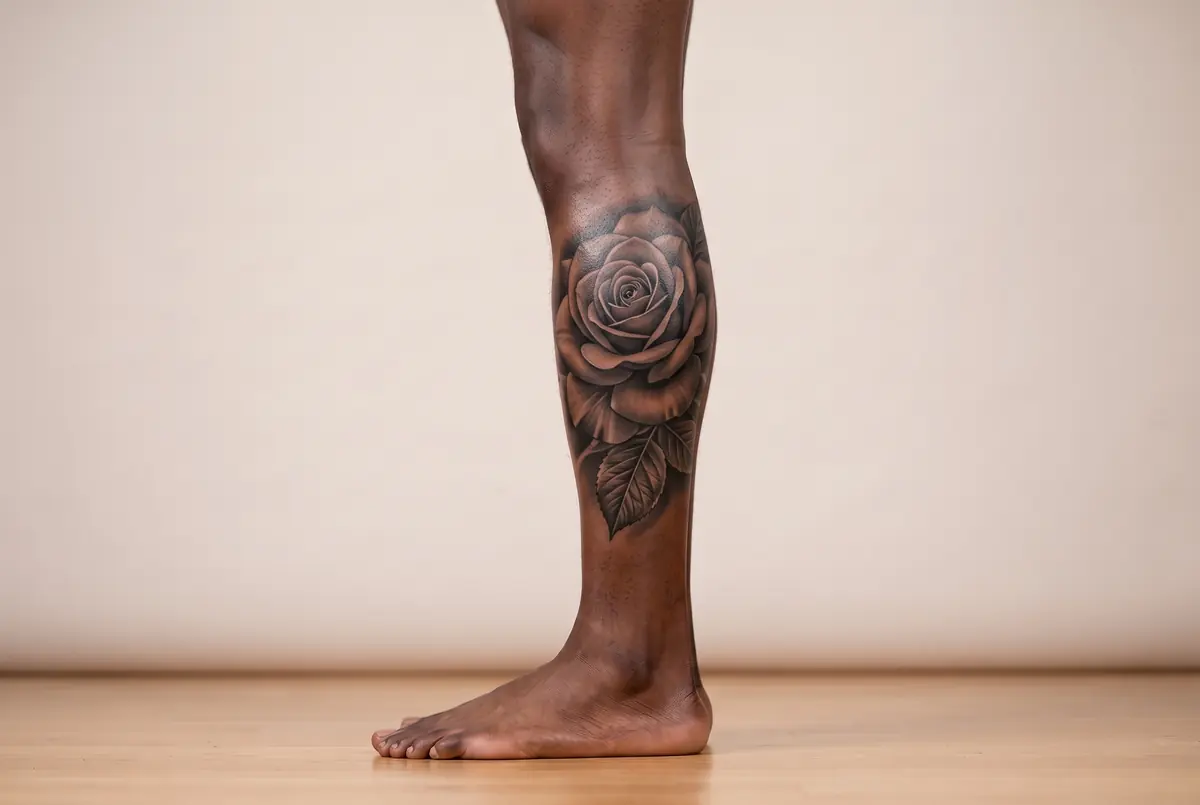
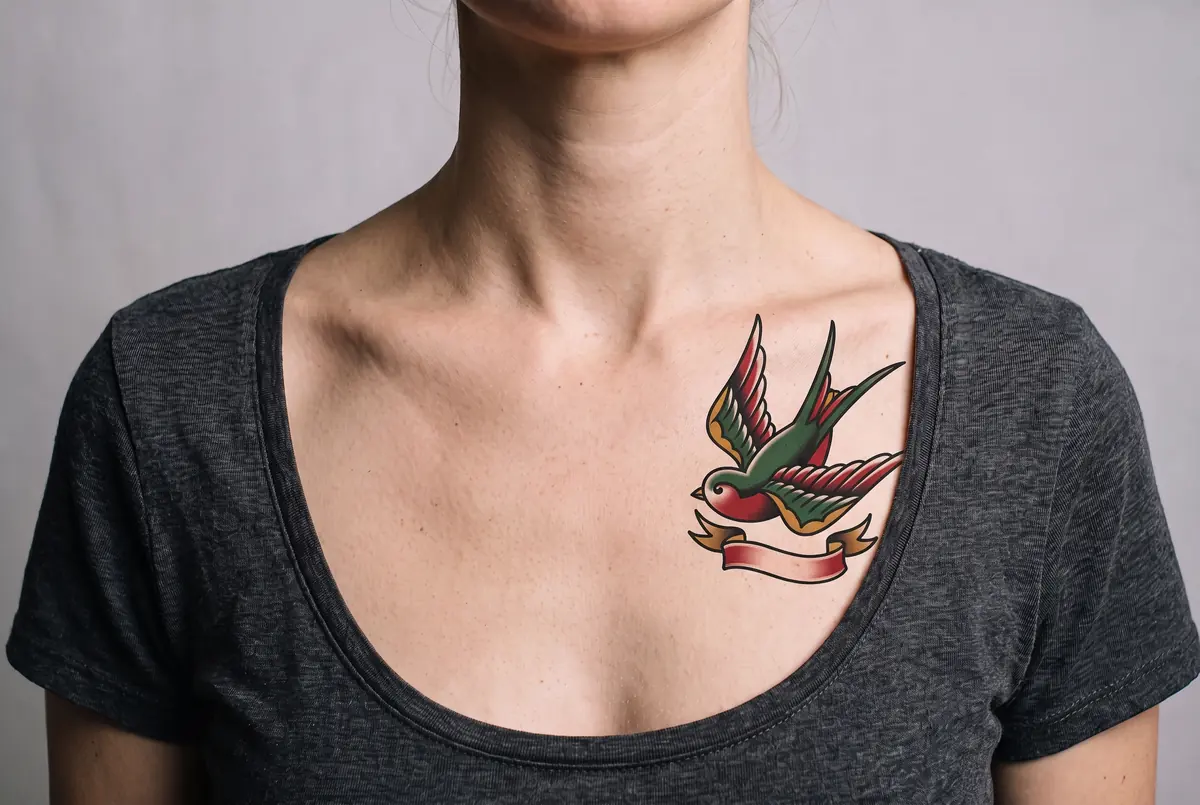
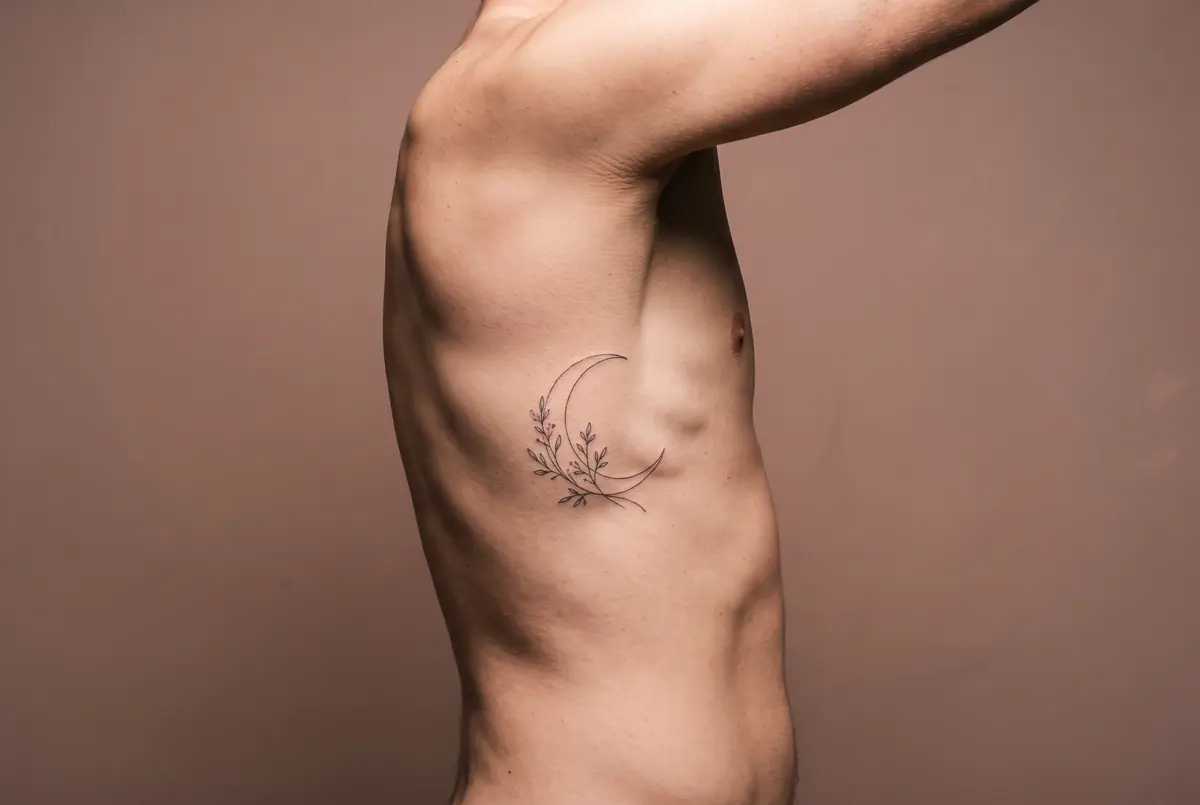
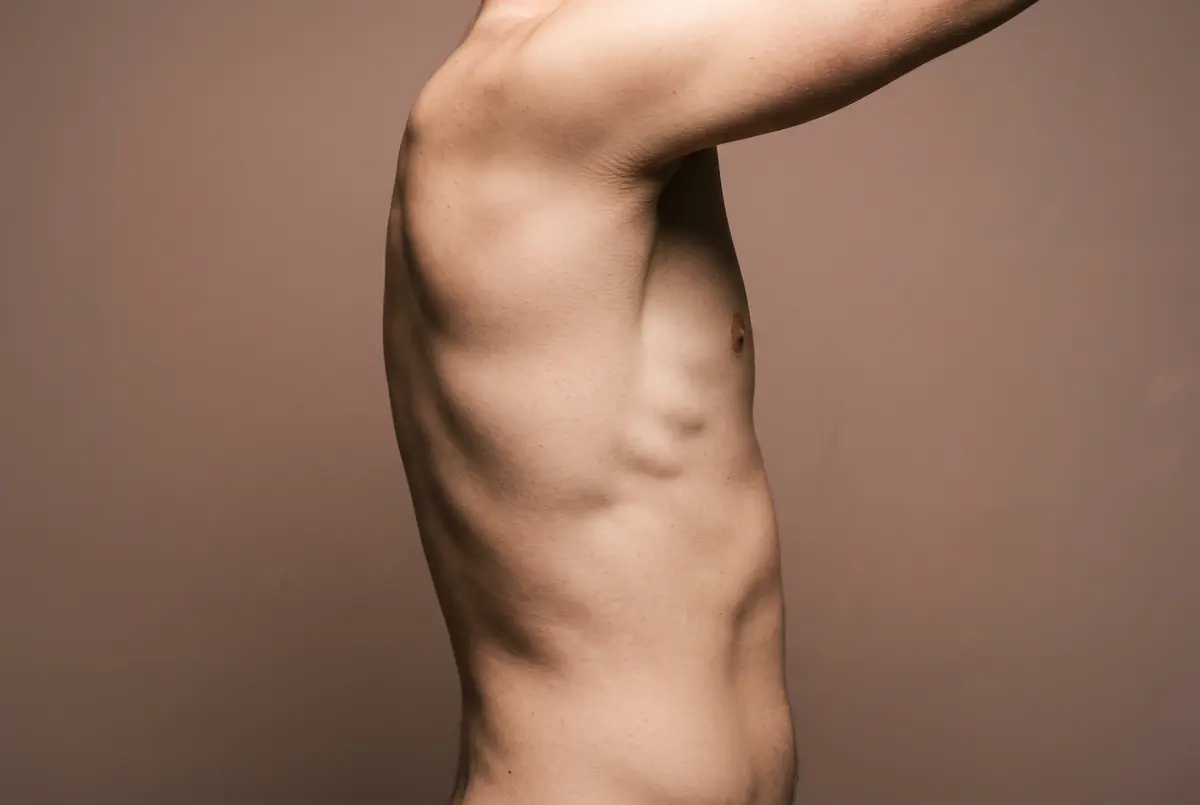
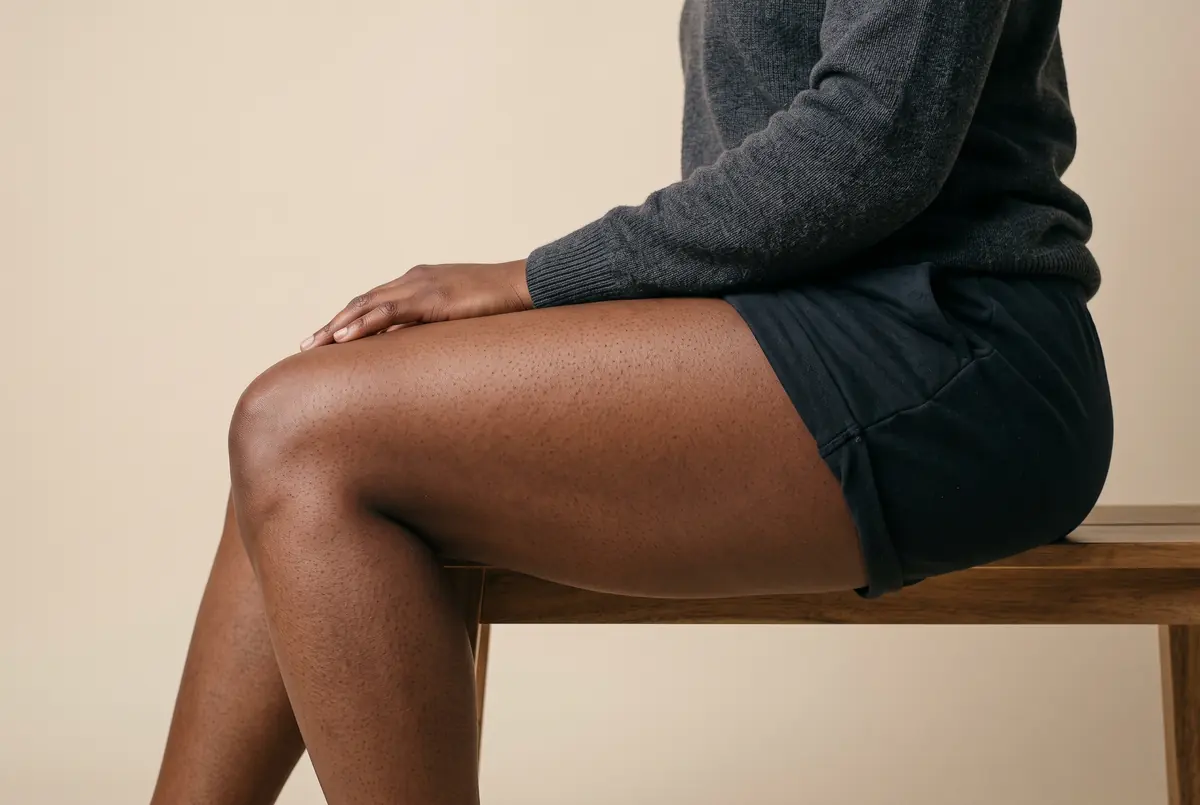
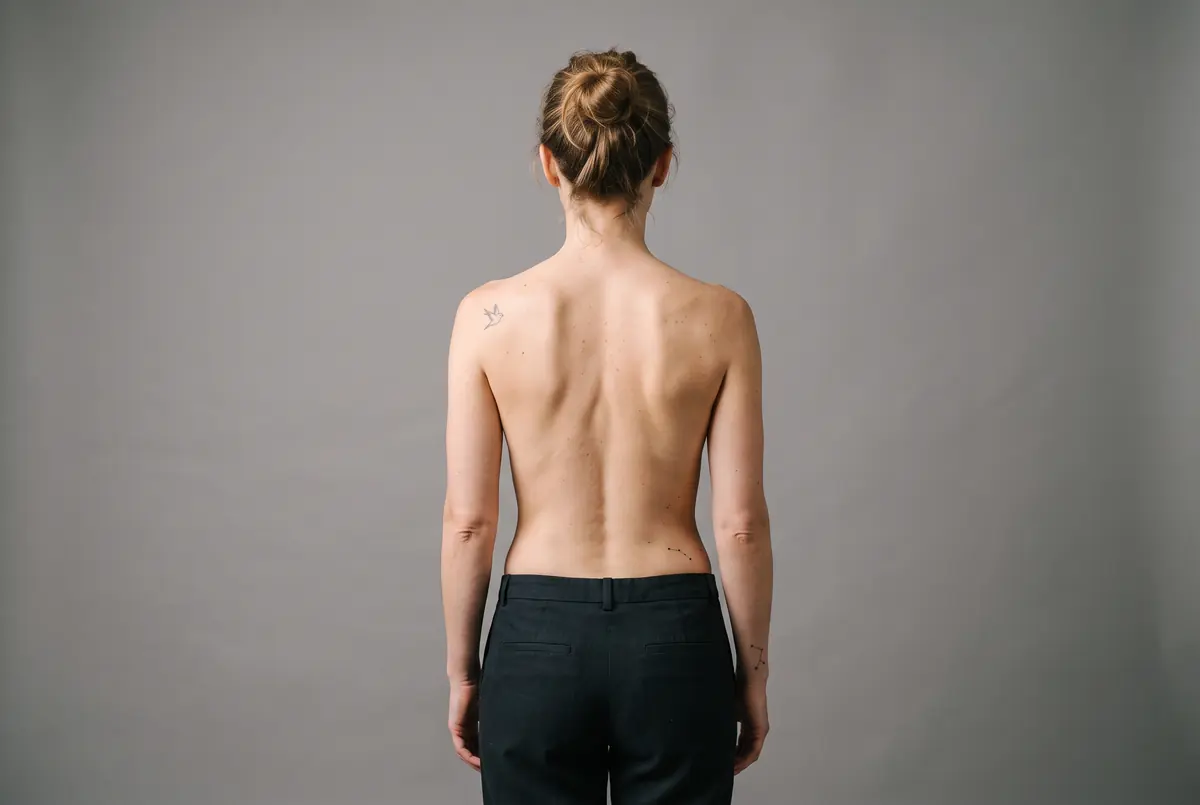
In a few seconds it is on your skin. Drag the slider to compare against the original.
Eight Styles, One Idea
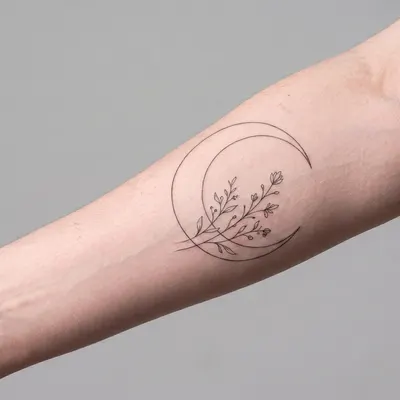
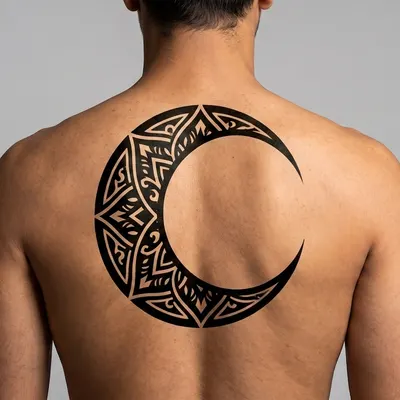
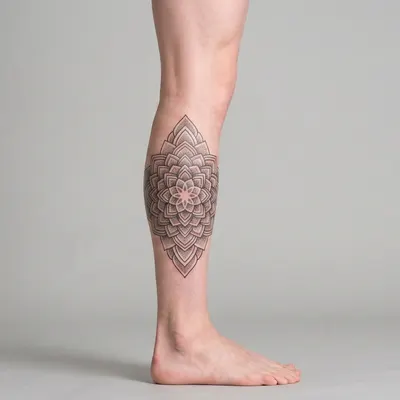
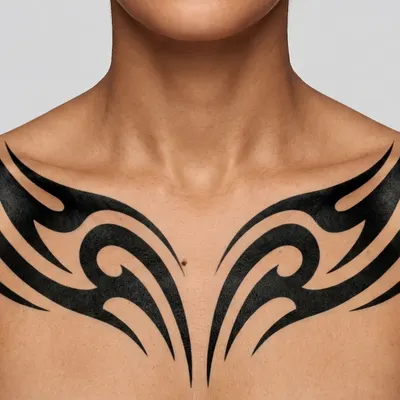
The same design reads completely differently depending on the style it is inked in. Browse the samples below, then try yours in whichever one fits.
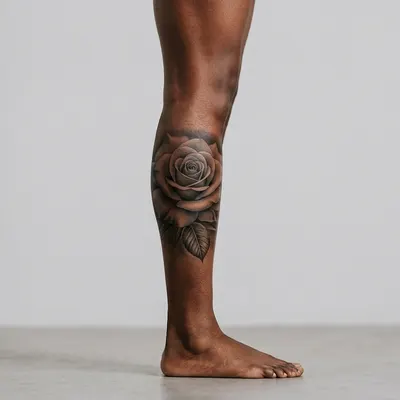
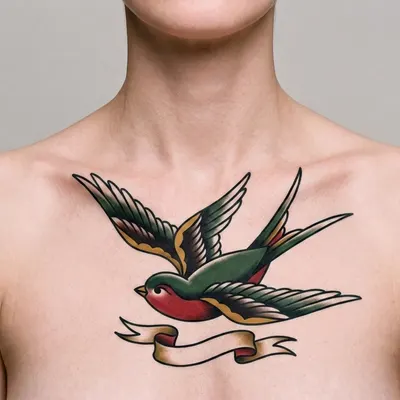
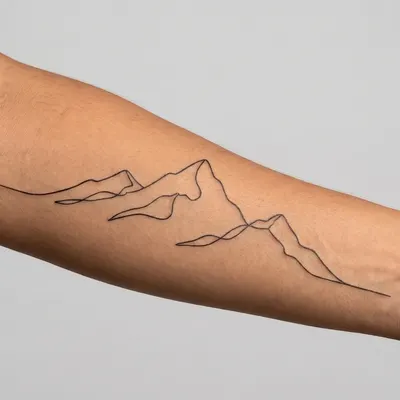
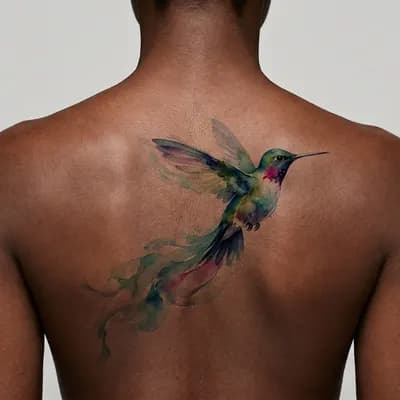
Yours, Not a Flash Sheet
🧷 The design goes on a photo of your own body, at your angle and in your lighting, not onto a generic stock arm.
Ink That Reads as Real
🔍 Follows the curve of the limb and sits in the skin, with hair, freckles and scars still visible over it.
8 Styles to Compare
🎨 Fine line, traditional, blackwork, realism, minimalist, watercolour, geometric and tribal, switched in a single tap.
Feature
Built for the Decision You Cannot Undo
A preview on your own skin, in your own lighting, before anything becomes permanent.
🧭 See It Before You Commit
A tattoo is permanent and a consultation is not always quick to get. Upload a photo of the spot you have in mind and see the design sitting on your own skin, at your own angle, in your own lighting, before you book anything.
🖐️ Ink That Follows Your Body
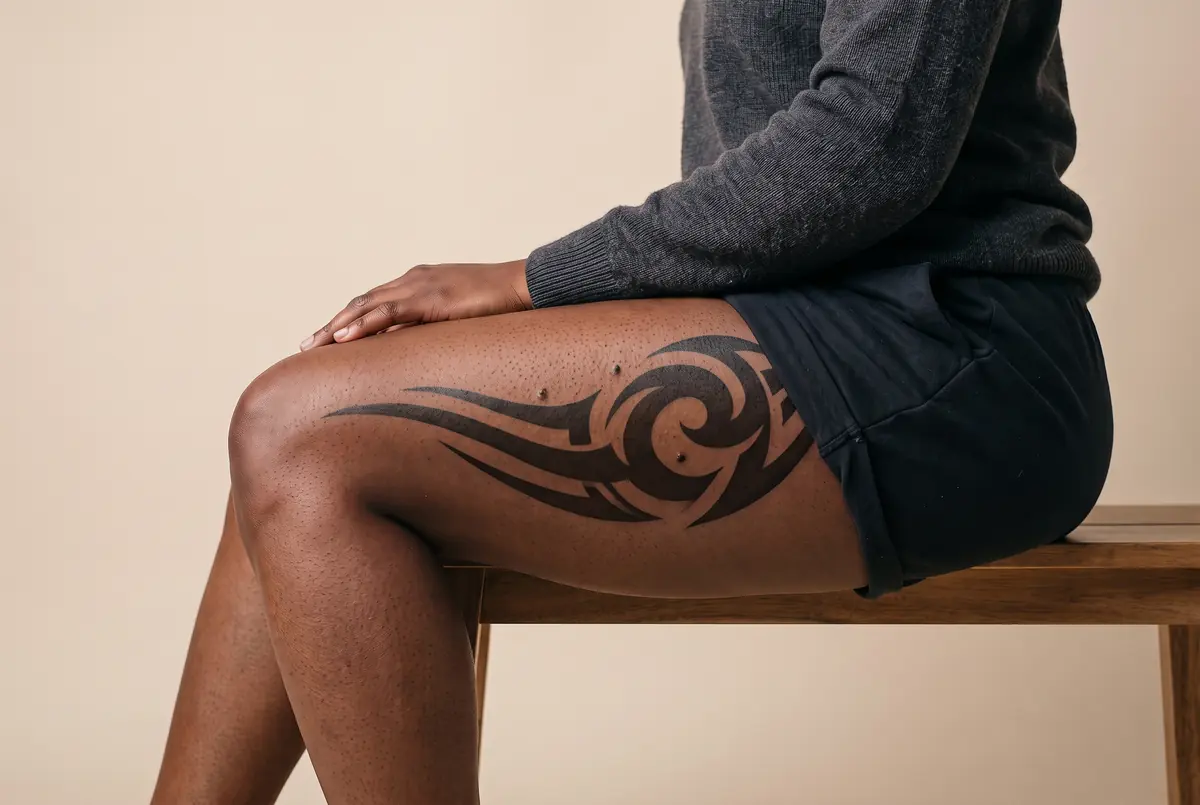
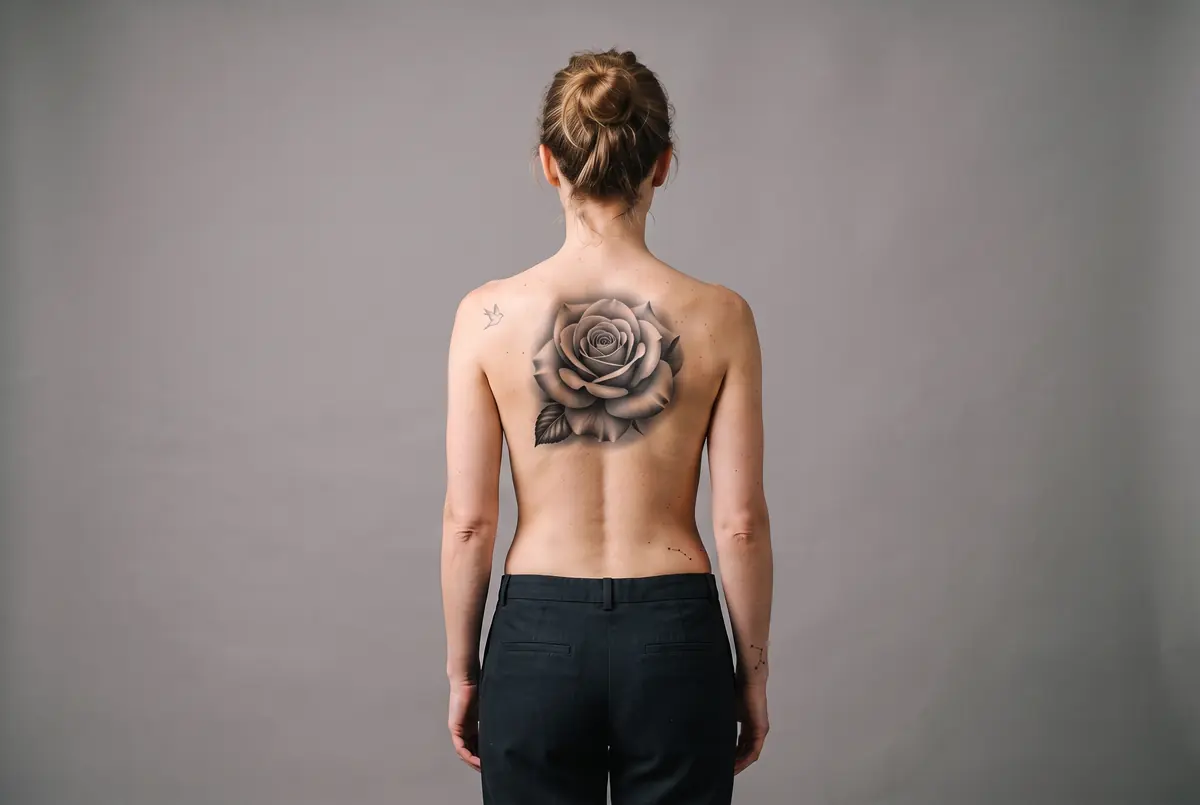
The design wraps with the curve of the limb, matches the lighting already in your photo, and sits in the skin rather than on top of it. Freckles, hair and scars over the area stay visible through the ink, which is what stops it reading as a sticker.
🎨 Eight Styles, One Idea
The same design reads completely differently in fine line than it does in blackwork or black-and-grey realism. Try it in each and see which one you actually want, instead of describing it across a counter and hoping.
📎 Bring Your Own Design
Already have the artwork, or a reference you found? Upload it alongside your photo and it gets reproduced rather than reinterpreted, so you can show your artist a preview of the actual piece on the actual spot.
Why People Preview Before They Commit
Seeing the design on your own body, at your own angle, answers questions a flash sheet cannot.
| Feature | SketchWish | Other AI Tools | Traditional Software |
|---|---|---|---|
| Time to See It | Seconds, from your own photo | Depends on booking | Not applicable |
| On Your Own Skin | Your photo, your angle, your lighting | Often a flat stencil or flash sheet | Imagination only |
| Trying Another Style | Re-render in any of 8 styles | Usually another appointment | Start over |
| Free Previews | 3 on signup, no card needed | Varies | Not applicable |
| Bring Your Own Artwork | Upload a reference, reproduced faithfully | Varies | Not applicable |
| Commitment | None, it is only a picture | A deposit is often required | Permanent |
Help Center
Tattoo Preview Questions, Answered
What people want to know before putting a design on their skin.
What is SketchWish's tattoo previewer?
It is an AI tool that renders a tattoo onto a photograph of your own skin. Upload the spot you have in mind, describe the design or upload a reference, and it comes back as a photorealistic preview you can compare against the original with a slider.
Which of the 8 tattoo styles should I pick?
Each style changes the piece completely, even with the same subject. Here is a quick rundown to help you choose:
- Fine Line
Thin, consistent single-weight linework with plenty of negative space, the delicate look behind most small botanical and script pieces. - Traditional
American traditional: bold black outlines and flat, limited colour. Reads clearly from across a room. - Blackwork
Dense solid black with crisp negative-space shapes. High contrast, strong on larger areas like a shoulder or back. - Realism
Black-and-grey with smooth gradients and soft shading, for portraits and photographic detail. - Minimalist
Small scale, a few clean strokes, understated. Suits wrists, ankles and behind-the-ear placements. - Watercolour
Soft colour washes and bleeds with little or no outline, for a painted rather than drawn feel. - Geometric
Precise repeated shapes, symmetry and linework, often built around the natural lines of the limb. - Tribal
Bold flowing solid-black forms that follow the muscle, traditionally sized to the body part they sit on.
How do I preview a tattoo on myself?
Three steps. Take a clear, well-lit photo of the bare skin where you want it, drop it in, then either describe the design or upload a reference. A few seconds later you can drag the slider to compare it against your original photo.
What does it cost?
Every new account starts with 3 free renders, no card needed. After that, packs start at $5 for 25 renders and never expire. Free downloads carry a light watermark; your first purchase removes it for good, including on the renders already in your history.
What kind of photo works best?
PNG, JPG or WEBP up to 10 MB. Bare skin, even lighting and a clear view of the area give the best result, the same way harsh shadows make any render harder. Straight off a phone camera is fine.
Does it work on a phone?
Yes, it runs in the mobile browser with no app to install, which matters given you are usually photographing your own arm. Downloads save straight to your camera roll.
What happens to my photo after I upload it?
Your upload is used to render the preview and nothing more, we do not keep it afterwards. Finished previews sit in your history and are permanently deleted 24 hours after they are made, and you can remove any of them yourself before that. The one exception is a preview you share by link: it stays online so the link keeps working, until you ask support@sketchwish.com to remove it.
Is this a real tattoo, and can I take it to an artist?
No, it is a preview only. Nothing touches your skin. It is meant as a reference you can save and show an artist, so the conversation starts from a picture of the actual placement rather than a description. Your artist still decides what is workable on real skin.
Ready to See It on Your Skin?
It takes one photo and a few seconds, and nothing about it is permanent. Try the design you have been thinking about.